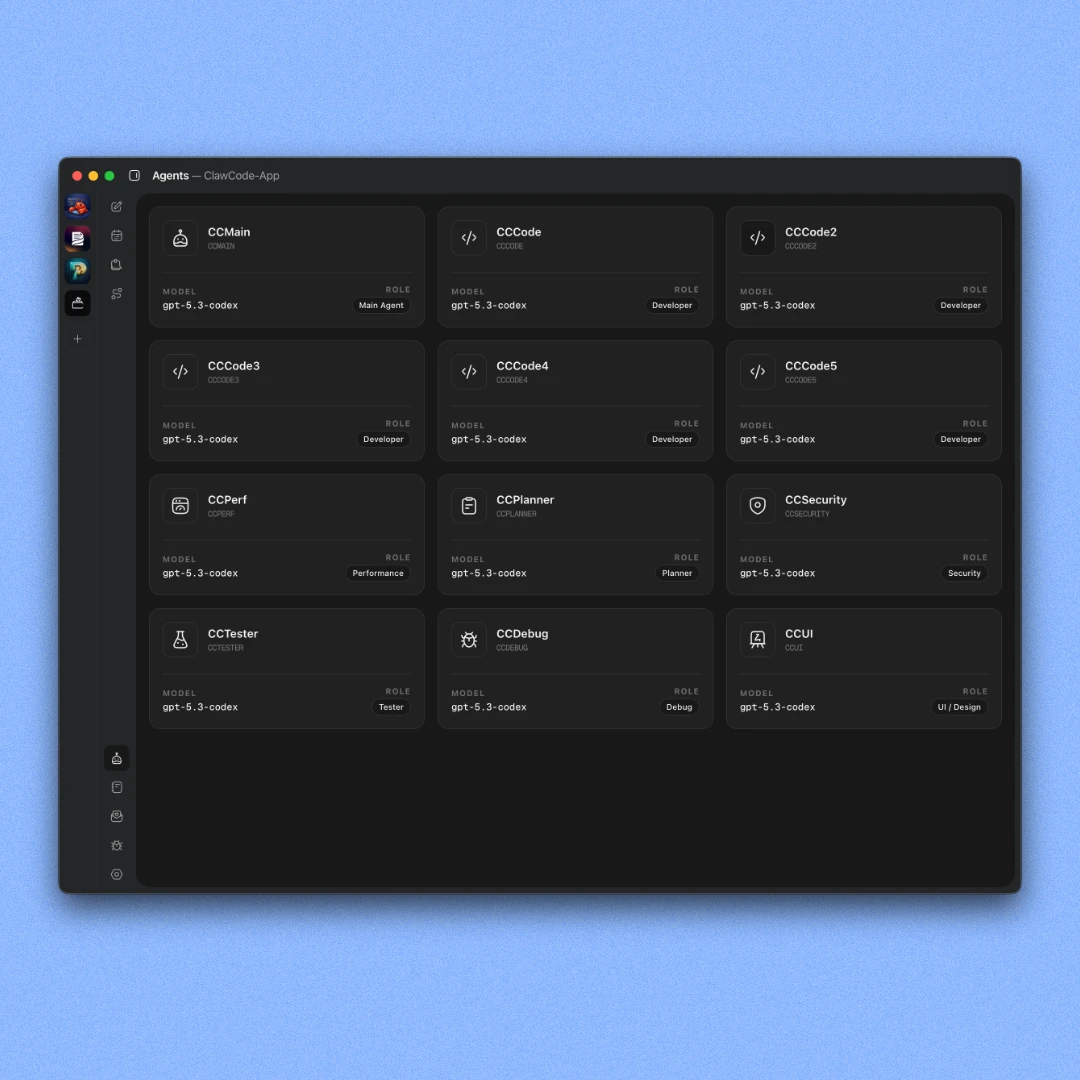
12 agents per workspace
Opens with 12 specialized agents ready to work. Coders, planner, QA tester, security auditor, bug hunter, and more.
Create, manage, and plan multiple projects in one dashboard. Run multiple AI agents in parallel on each one. No tab switching, no context loss, no jumping between apps. One app. Everything you need.
// Workspace
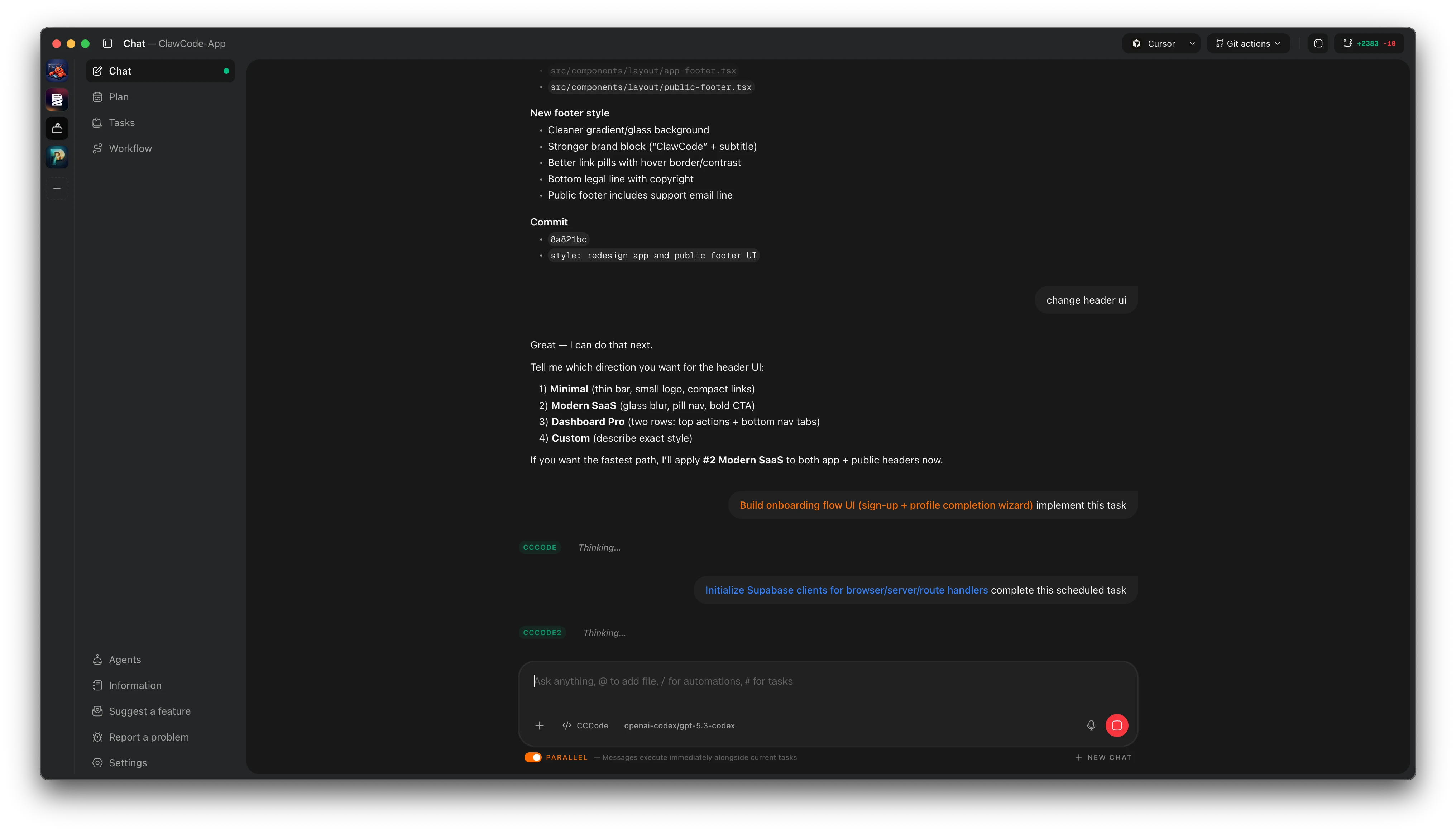
Project workspace
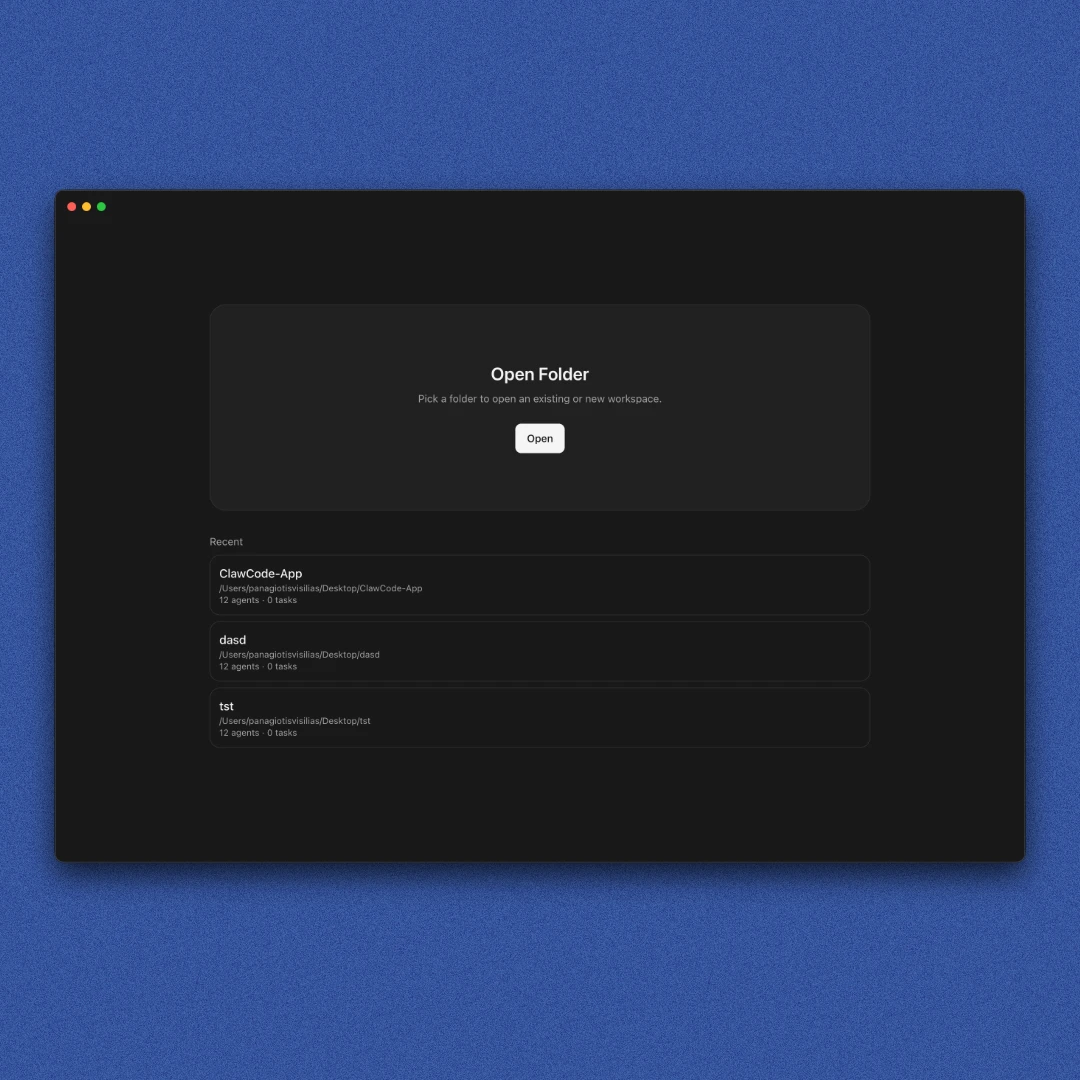
Every project gets its own fully isolated workspace with 12 agents, a task board, planning canvas, workflow map, and chat history. Nothing shared between projects.
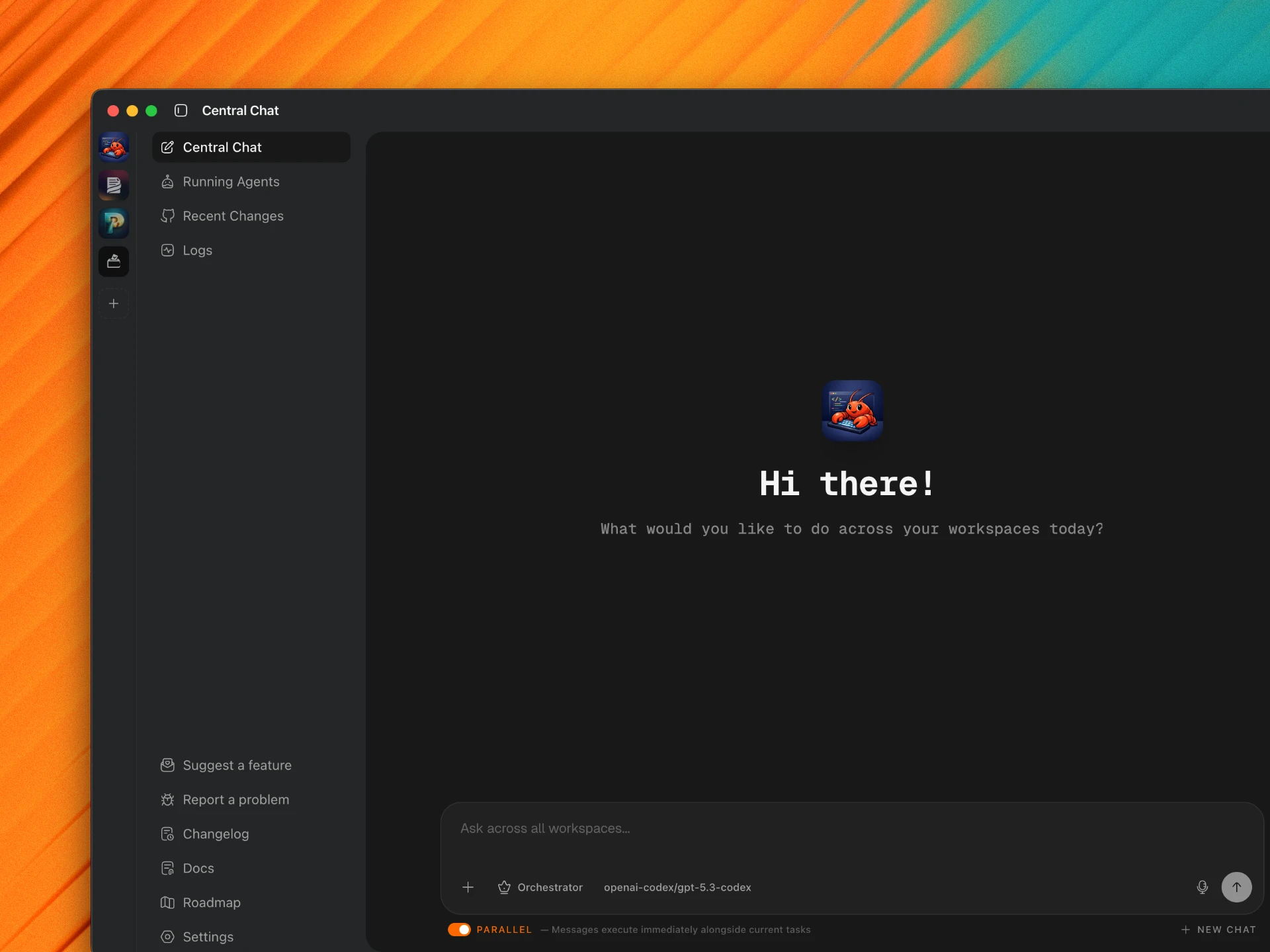
Central Dashboard
One view for every workspace, every running agent, and recent changes across all your projects. An orchestrator lets you trigger agents across all workspaces from a single chat.
// Additional features
Opens with 12 specialized agents ready to work. Coders, planner, QA tester, security auditor, bug hunter, and more.
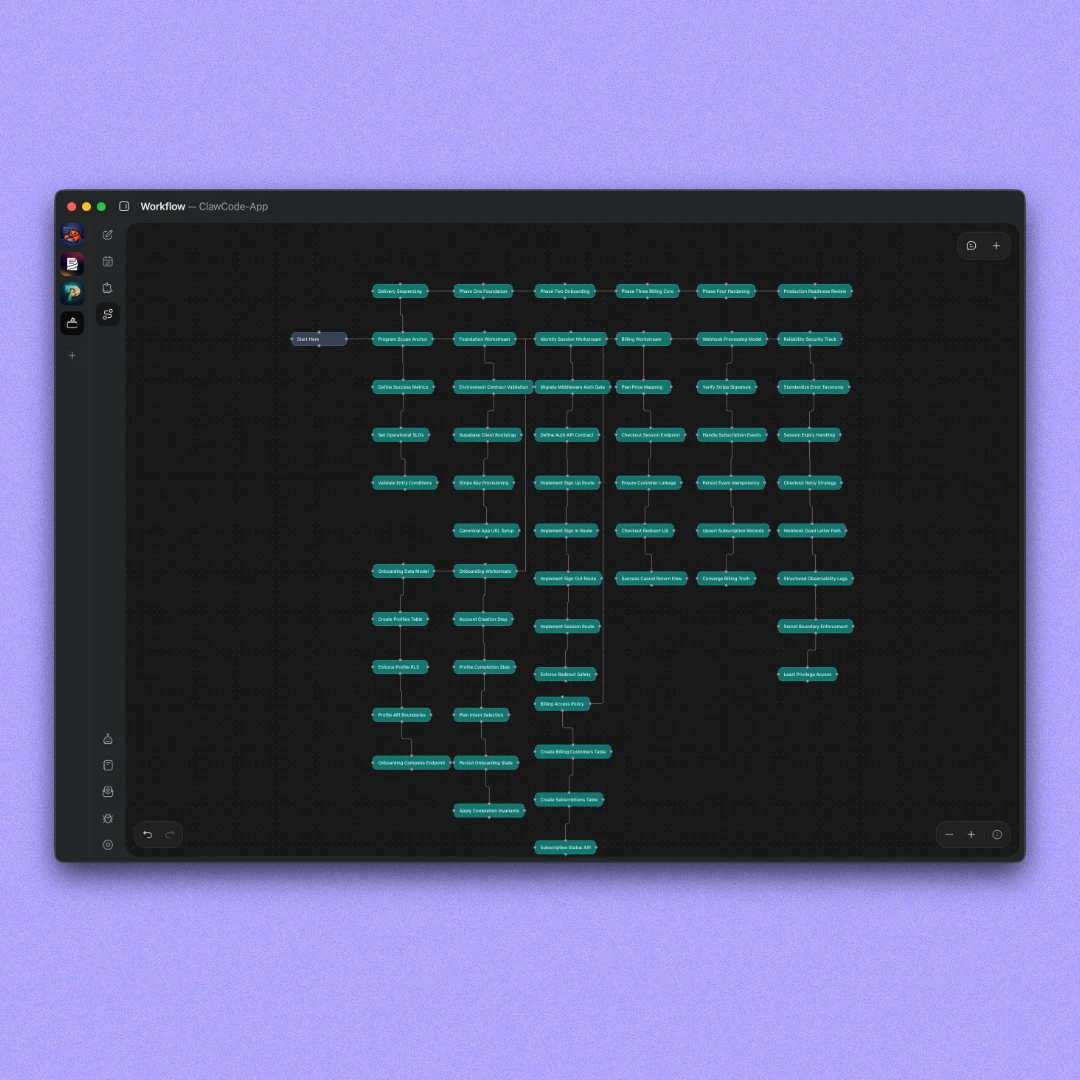
A visual canvas to map how your app works. Build it manually or let the Planner agent generate it from your description.
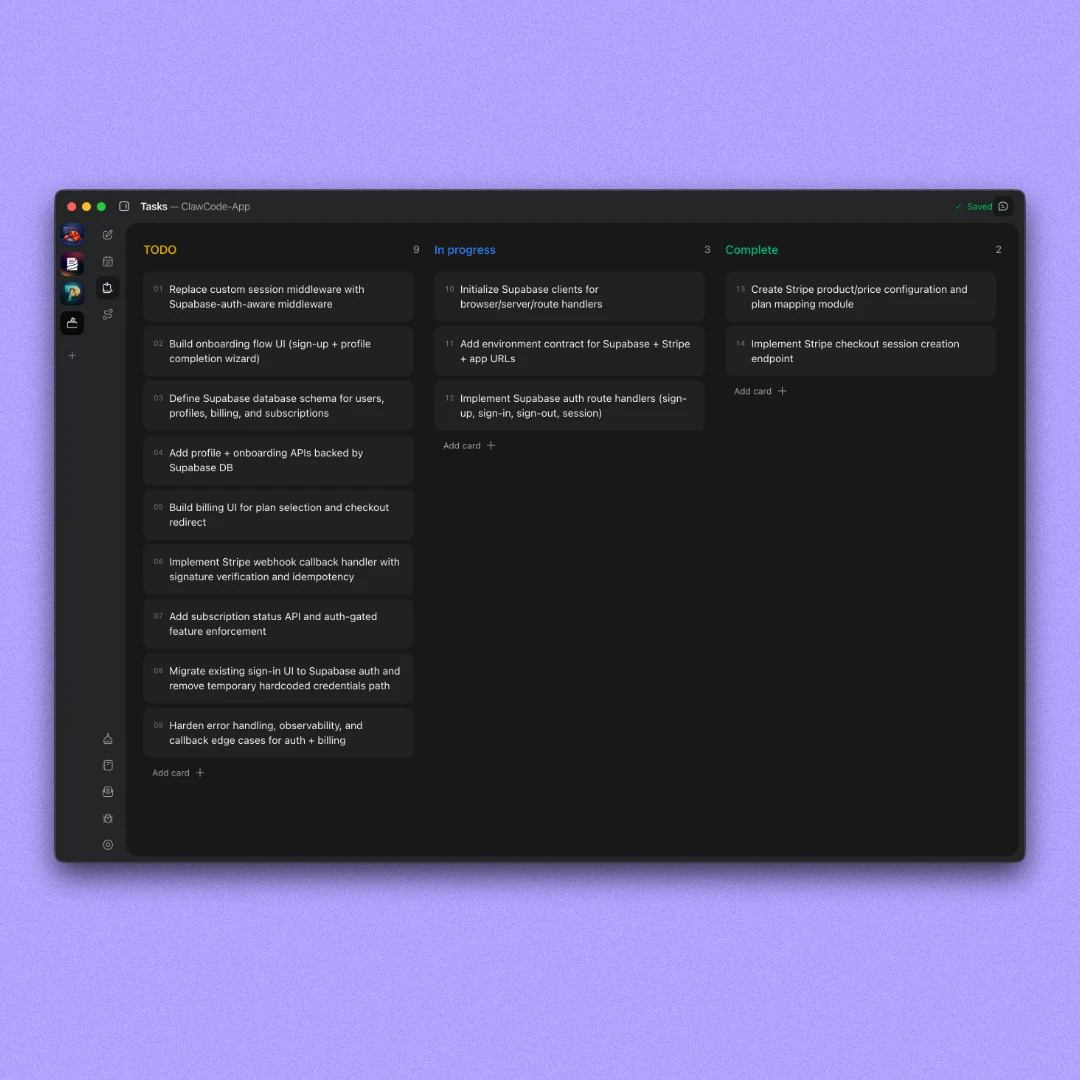
Break your plan into actionable items and assign agents to complete them. Create manually or generate with an agent.
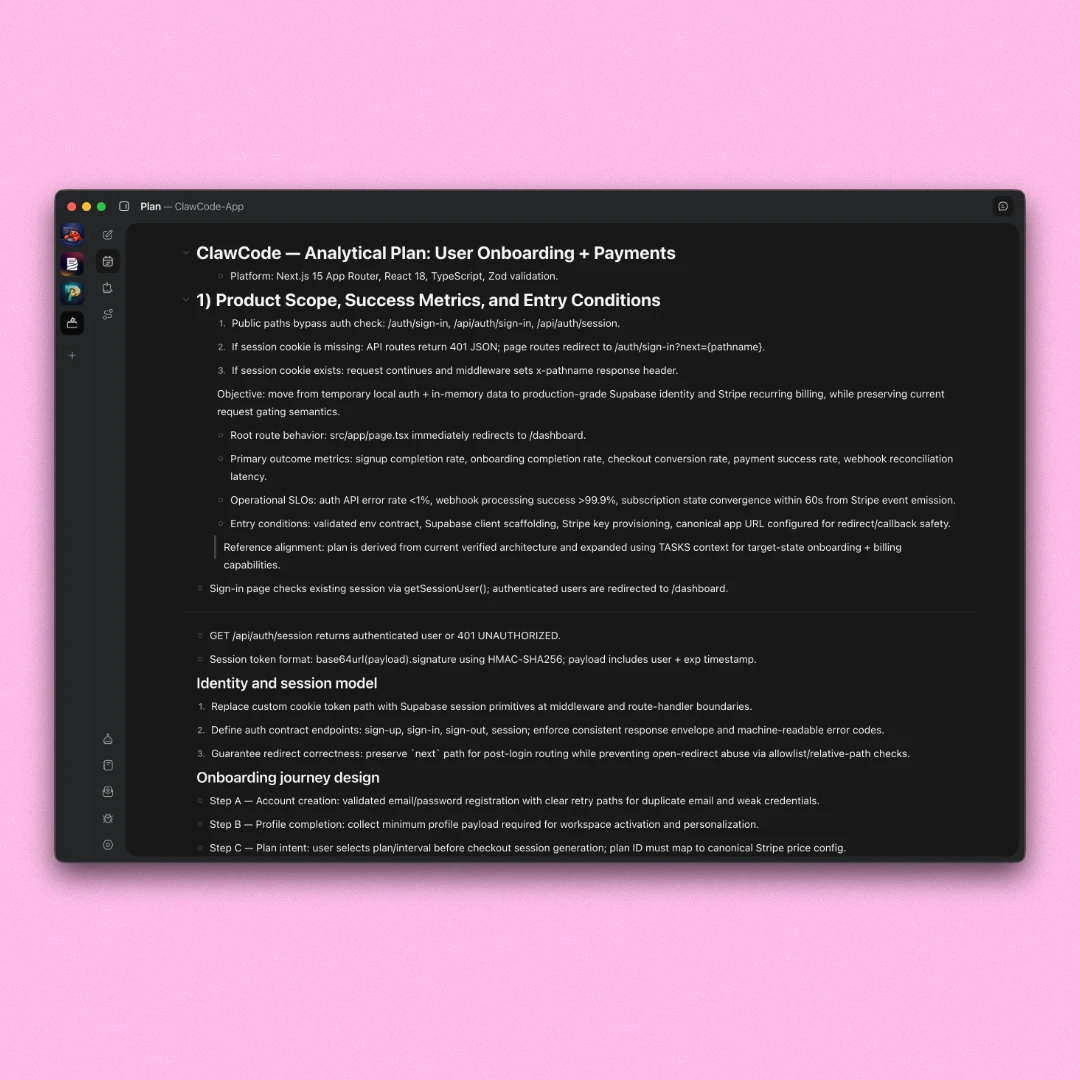
A freeform canvas like Notion. Write features, notes, and requirements. Your agents can read and act on everything in it.
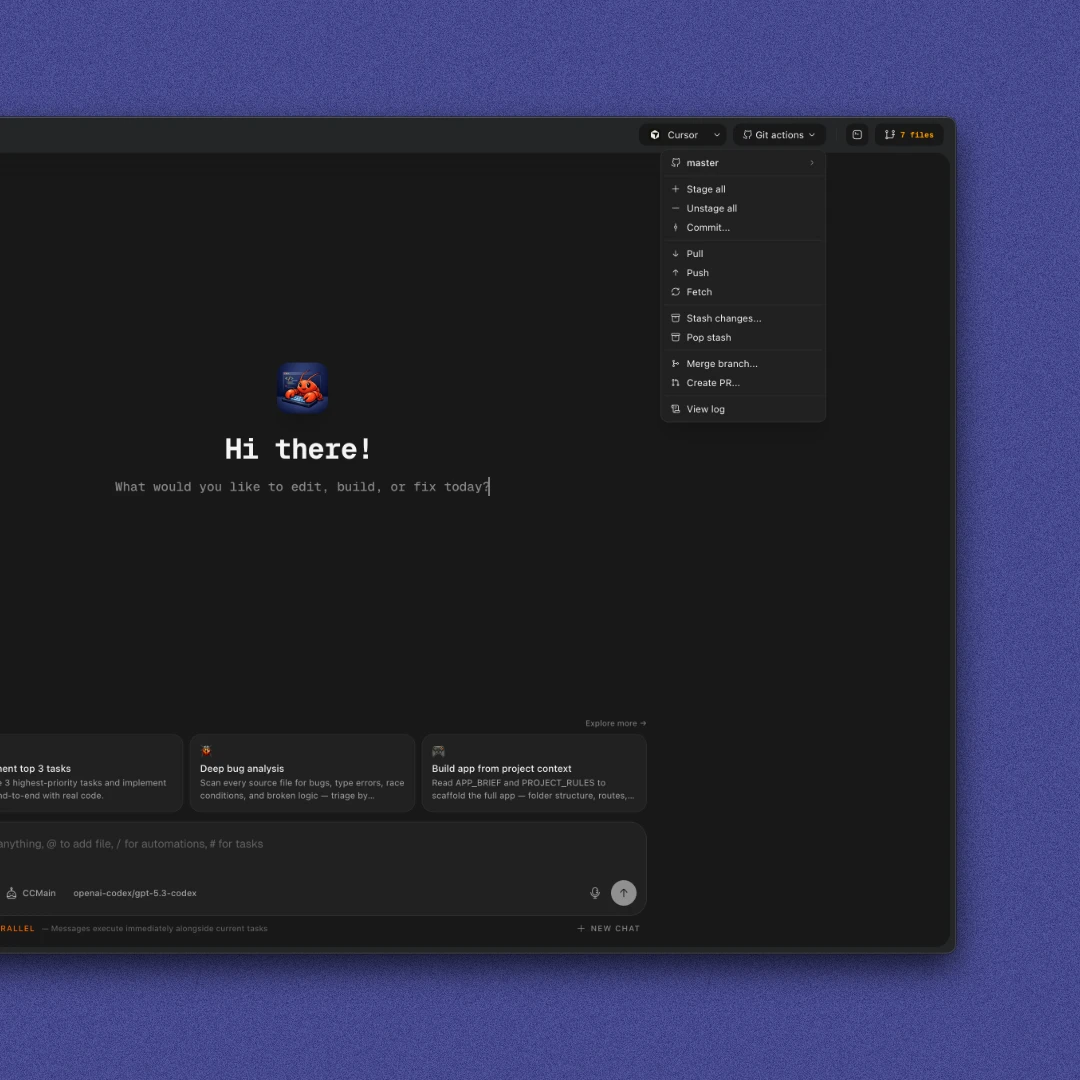
Stage, unstage, commit, stash, pop changes, create PRs, view logs, merge branches, and switch branches from the dashboard.
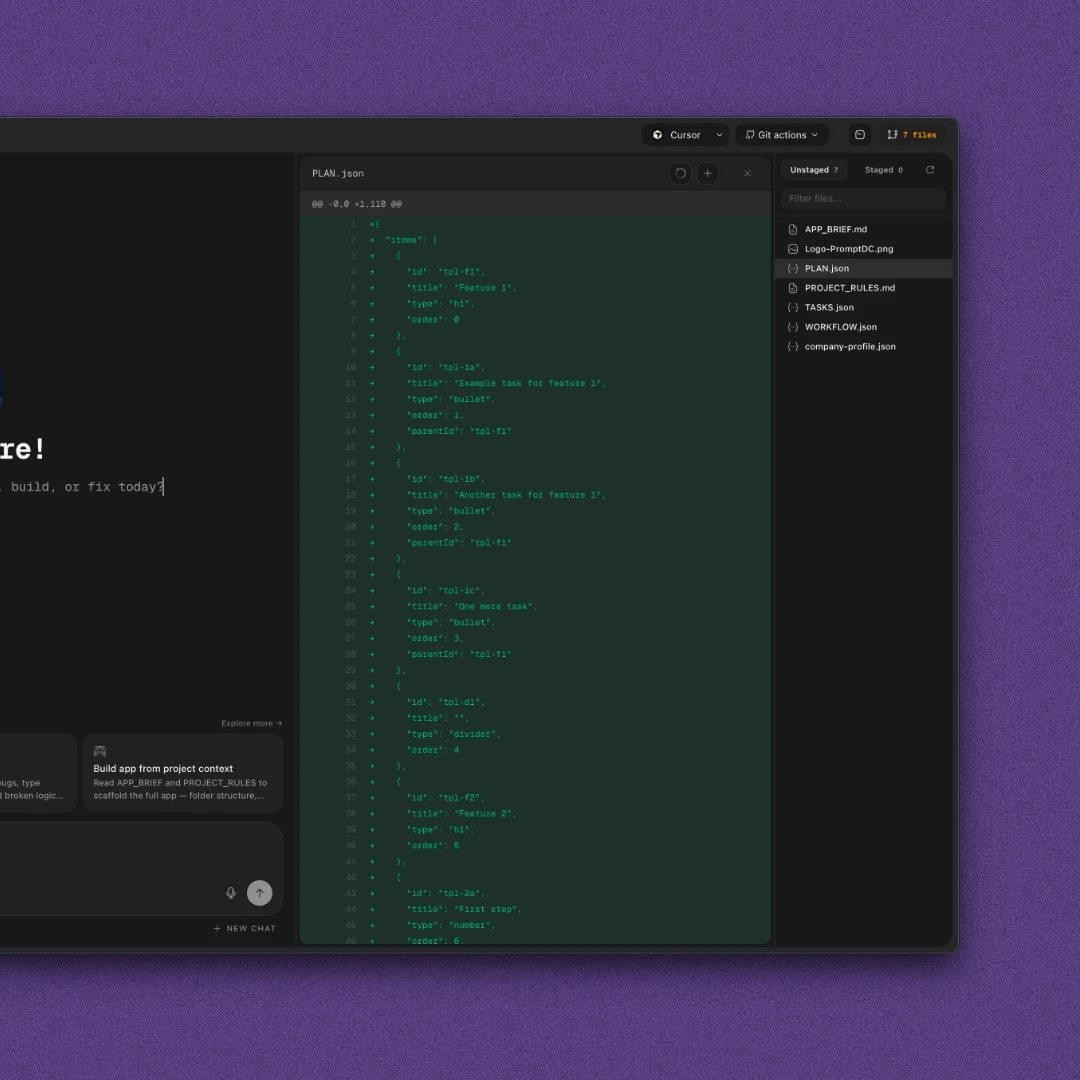
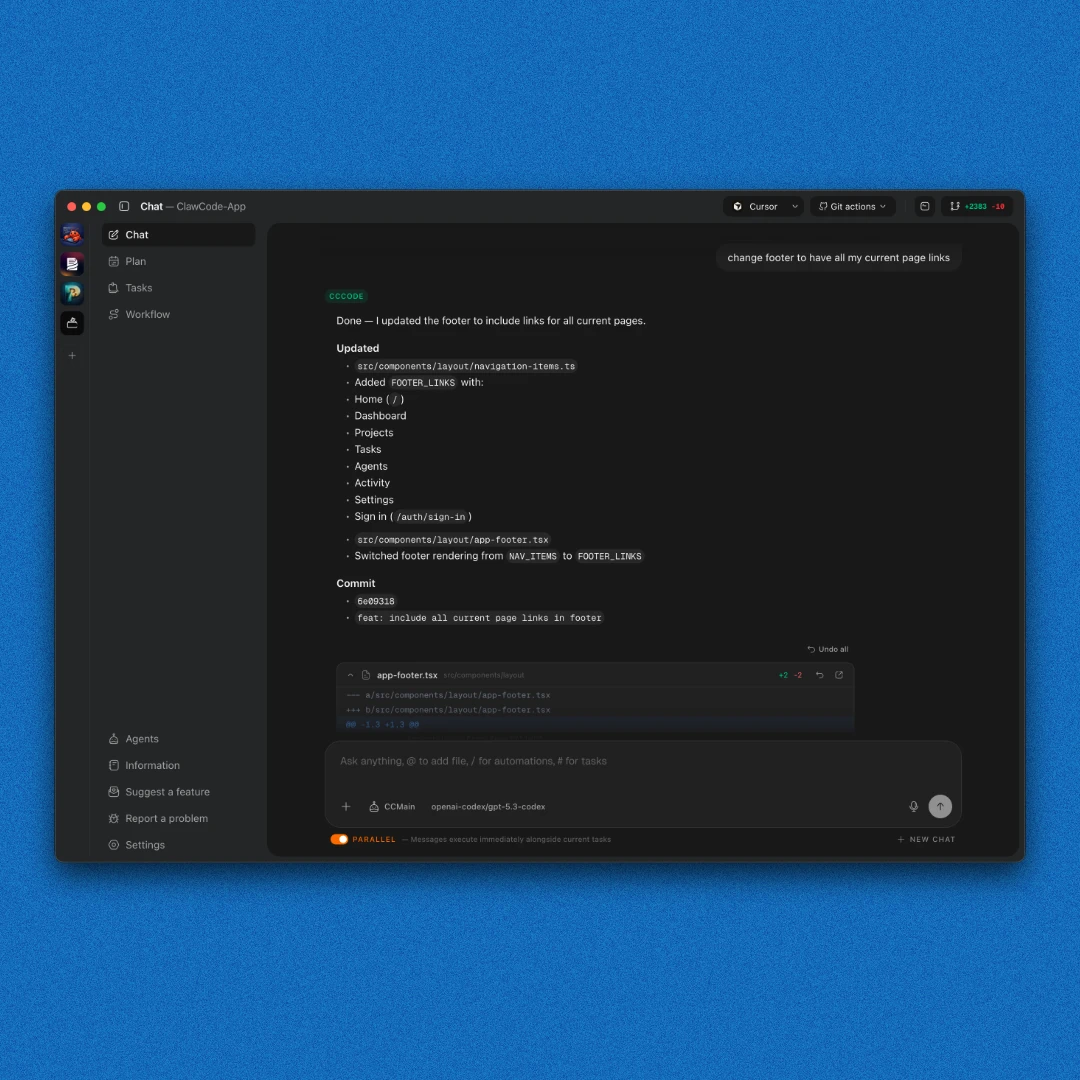
See every file an agent touched, open it directly in your editor, undo changes, and review git diffs before committing.
// How it works
When you open a project, ClawCode instantly spins up 12 specialized agents dedicated to your workspace.
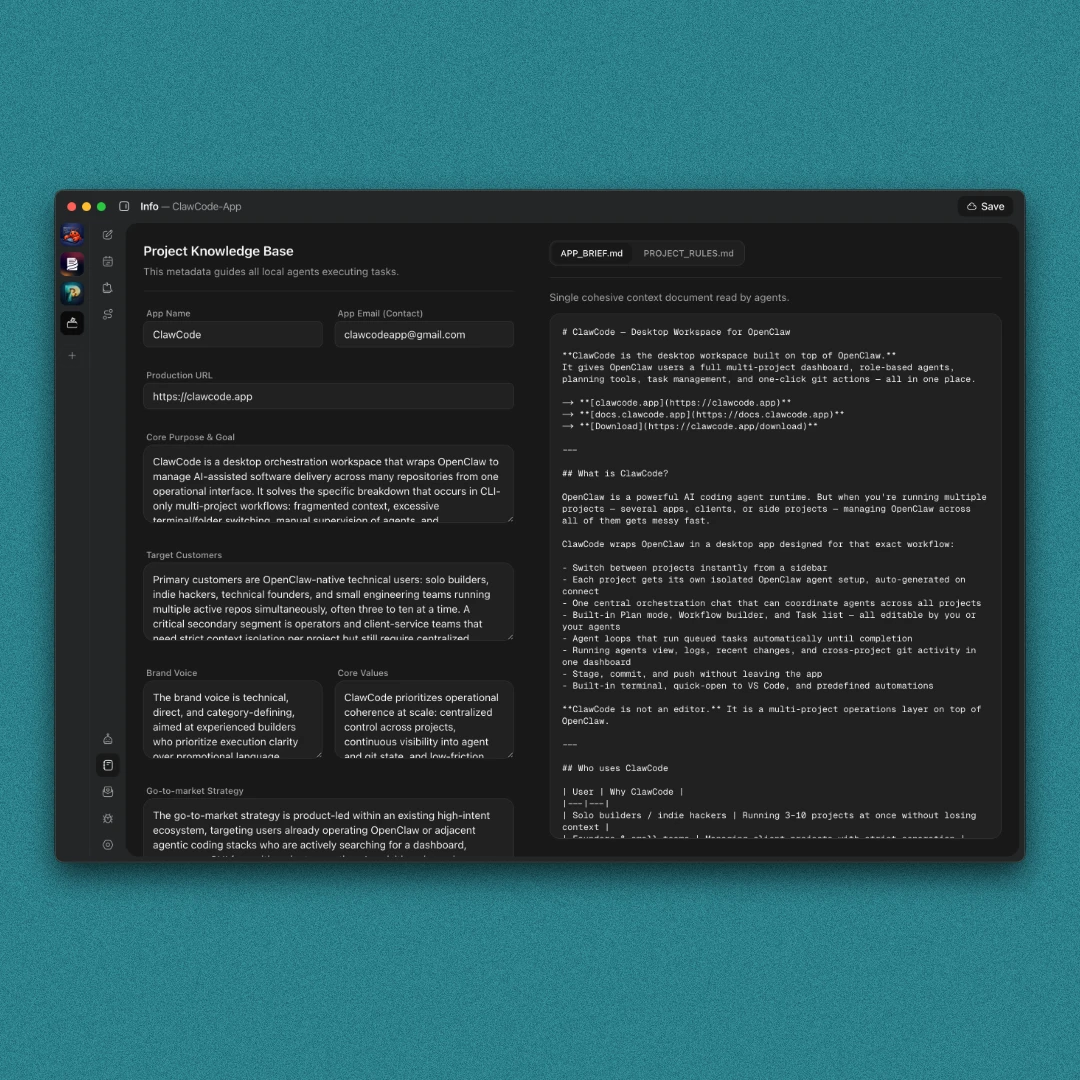
Provide your project brief and rules. Your agents use them as a reference to help build plans and find improvements.
Send instructions to multiple agents in parallel or queue complex tasks to ship features while you step away.
A full team of AI agents working in parallel, across all your projects, from one place.
Download now