// Product
Build faster with AI agentsAcross every project you own
Every project, fully isolated
Each workspace is a completely separate environment. Its own agents, settings, tasks, chat history, and workflow. Nothing shared between projects.
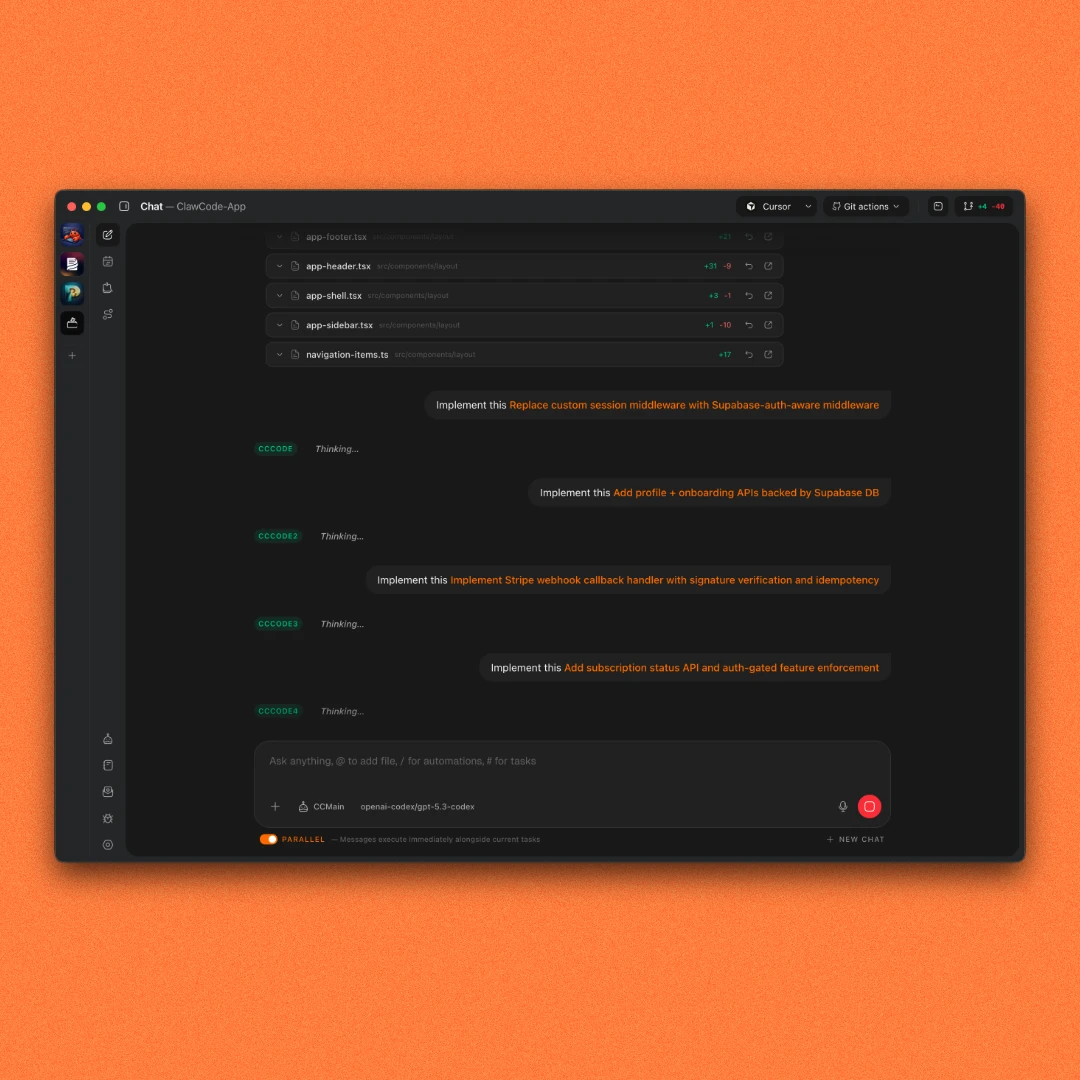
Parallel agents
Run multiple agents simultaneously on the same project. Like having a full development team working at once.
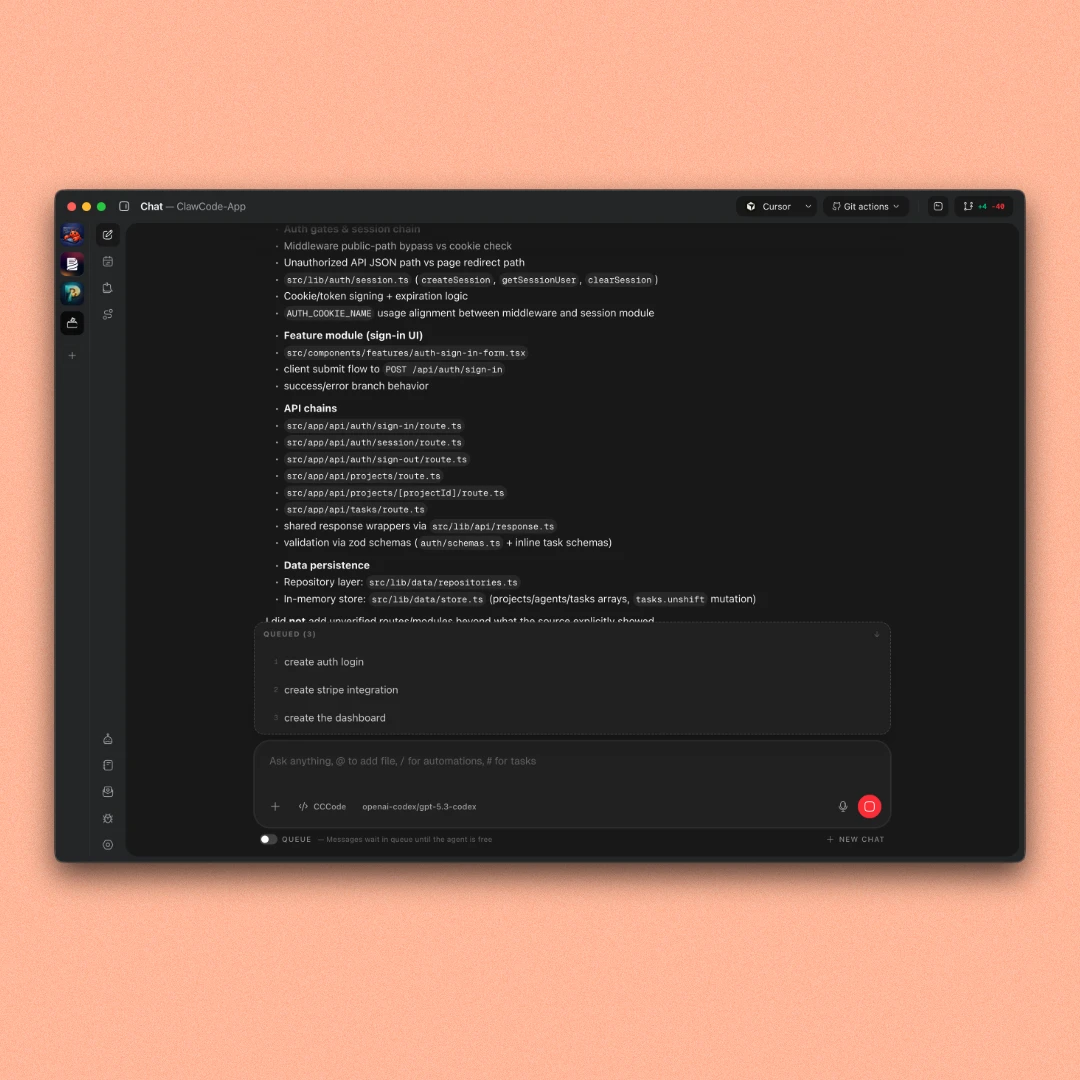
Queued mode
Stack instructions in order and step away. Each agent finishes one task and immediately picks up the next.
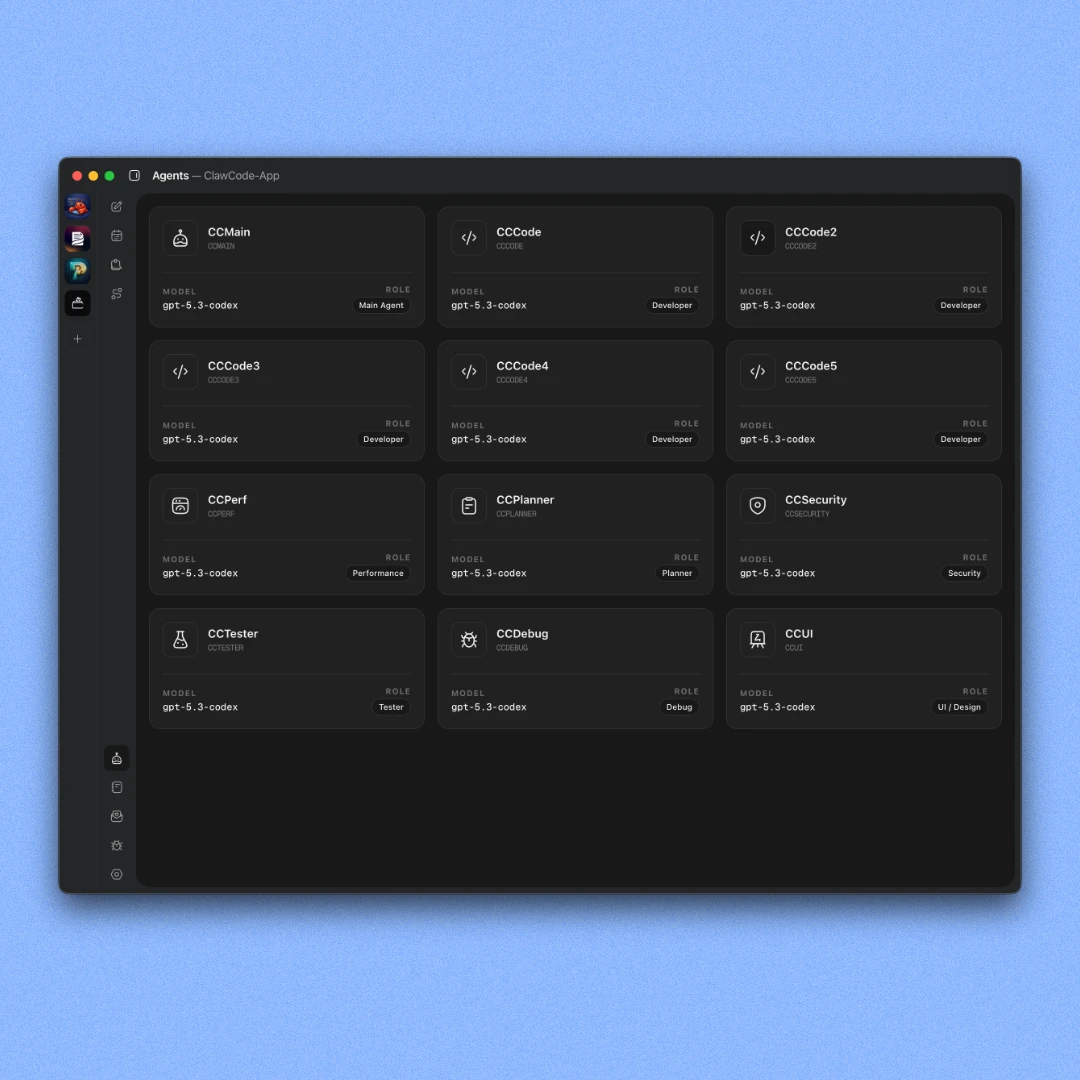
12 agents per workspace
Generates 12 specialized agents when you open a workspace. Each one has its own files.
Central Dashboard
One view for every workspace, every running agent, and recent changes across all your projects. An orchestrator lets you trigger agents across all workspaces from a single chat.
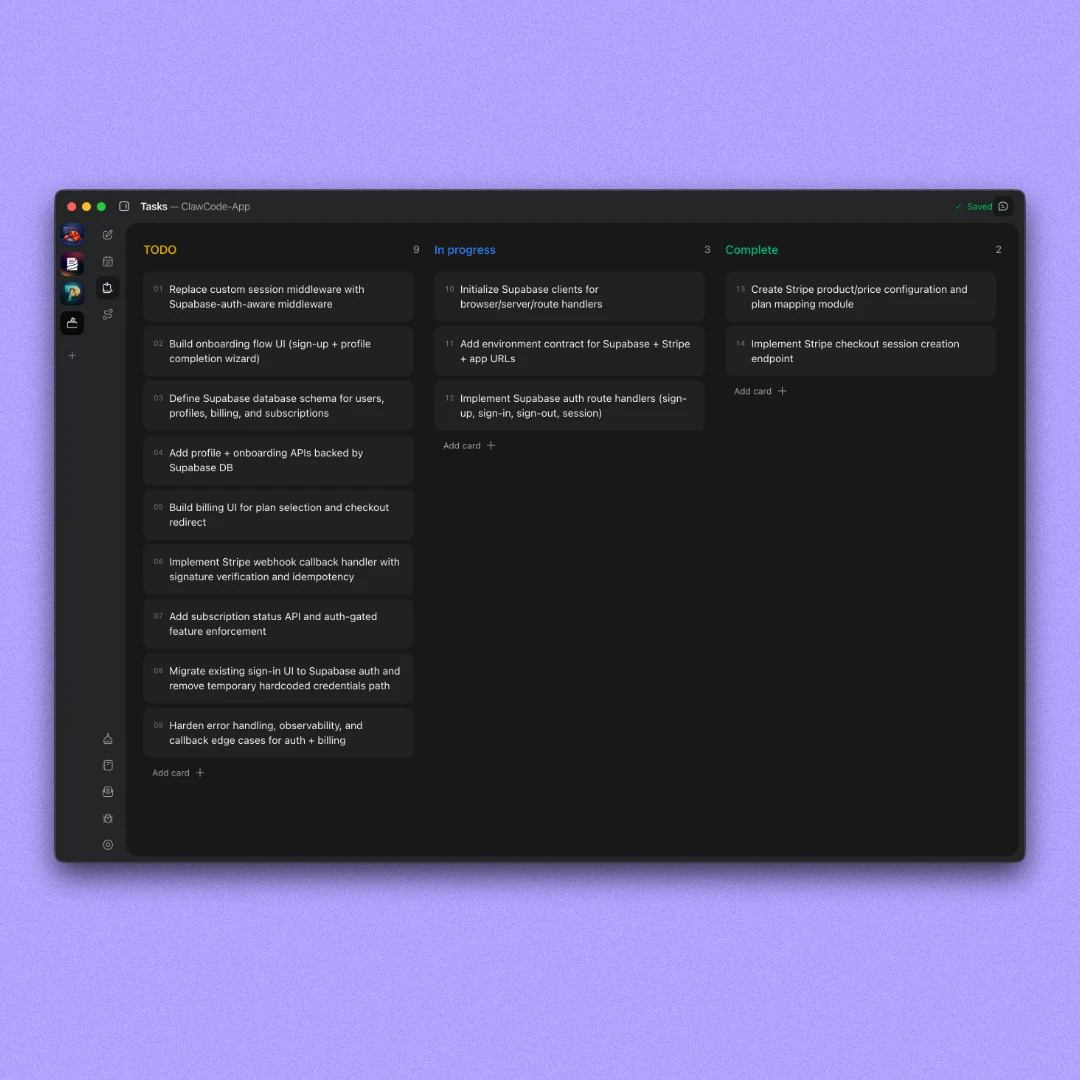
Task board
Break your plan into actionable items and assign agents to complete them. Add them manually or generate them with an agent.
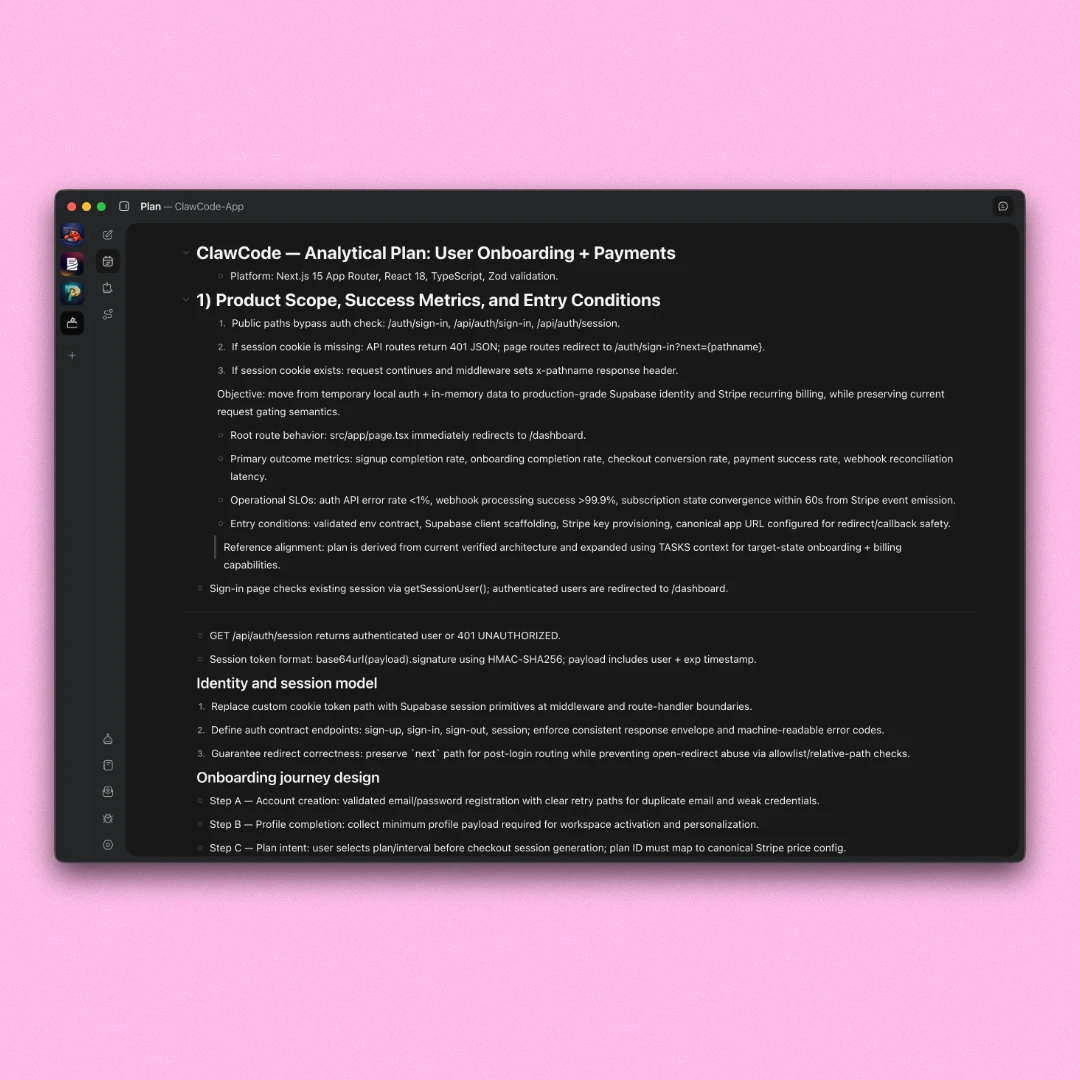
Planning page
A freeform canvas like Notion. Write features, notes, and requirements. Your agents can read and act on everything in it.
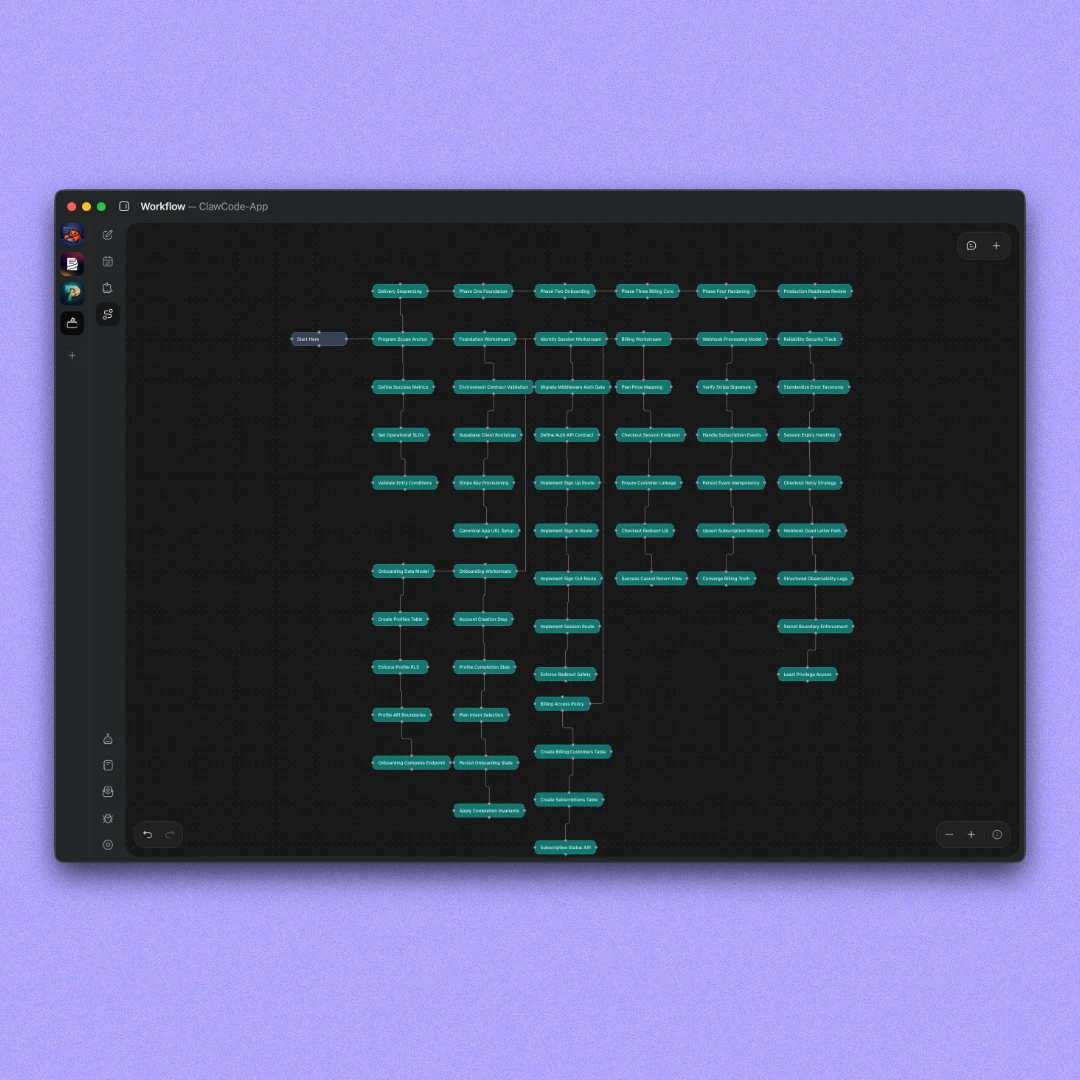
Workflow canvas
A visual canvas to map how your app works. Build it manually or let the Planner agent generate it from a description.
// Core features
More tools built in. One place for everything.
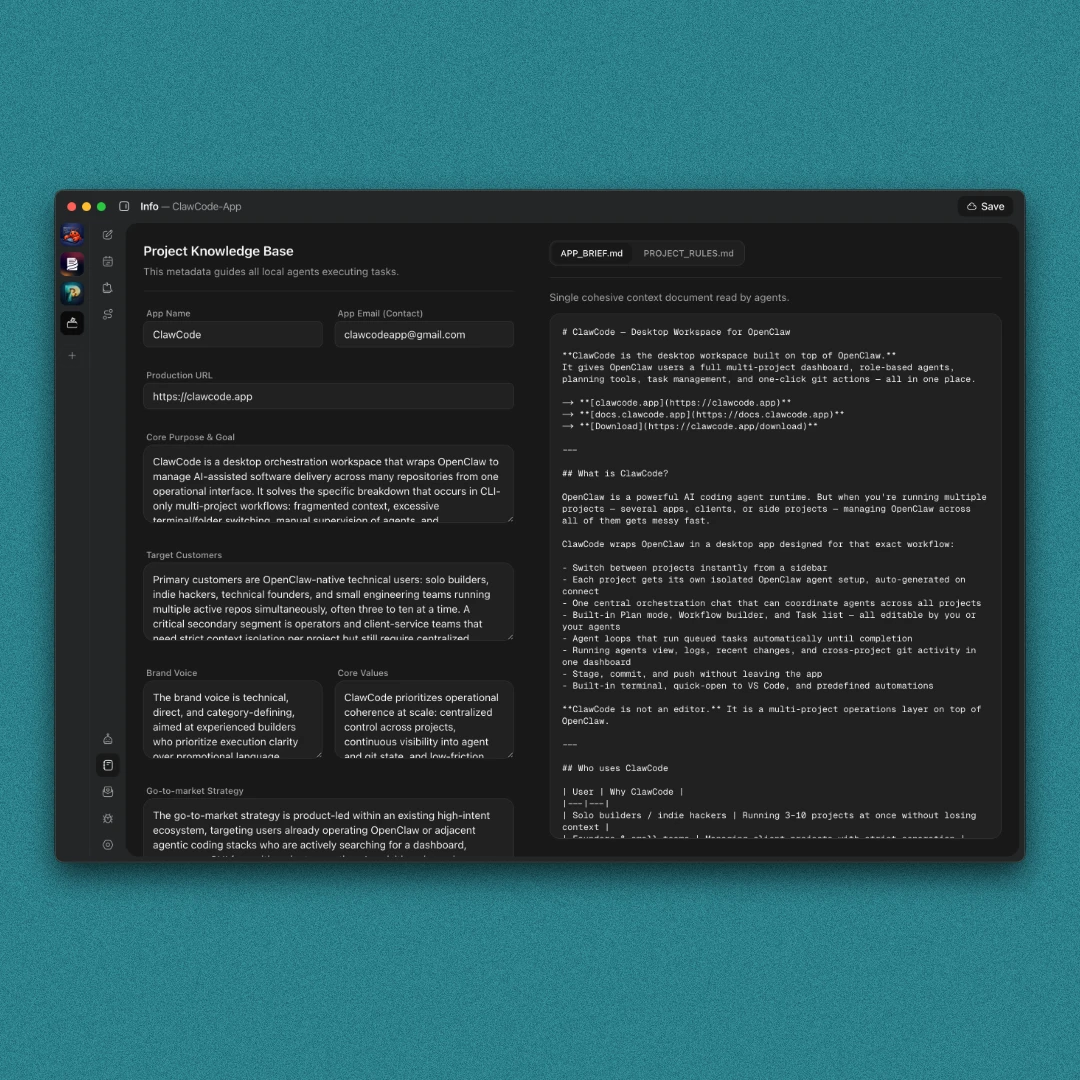
App info
Define your project brief, rules, and context once. Agents read it when asked to keep everything grounded in your project.
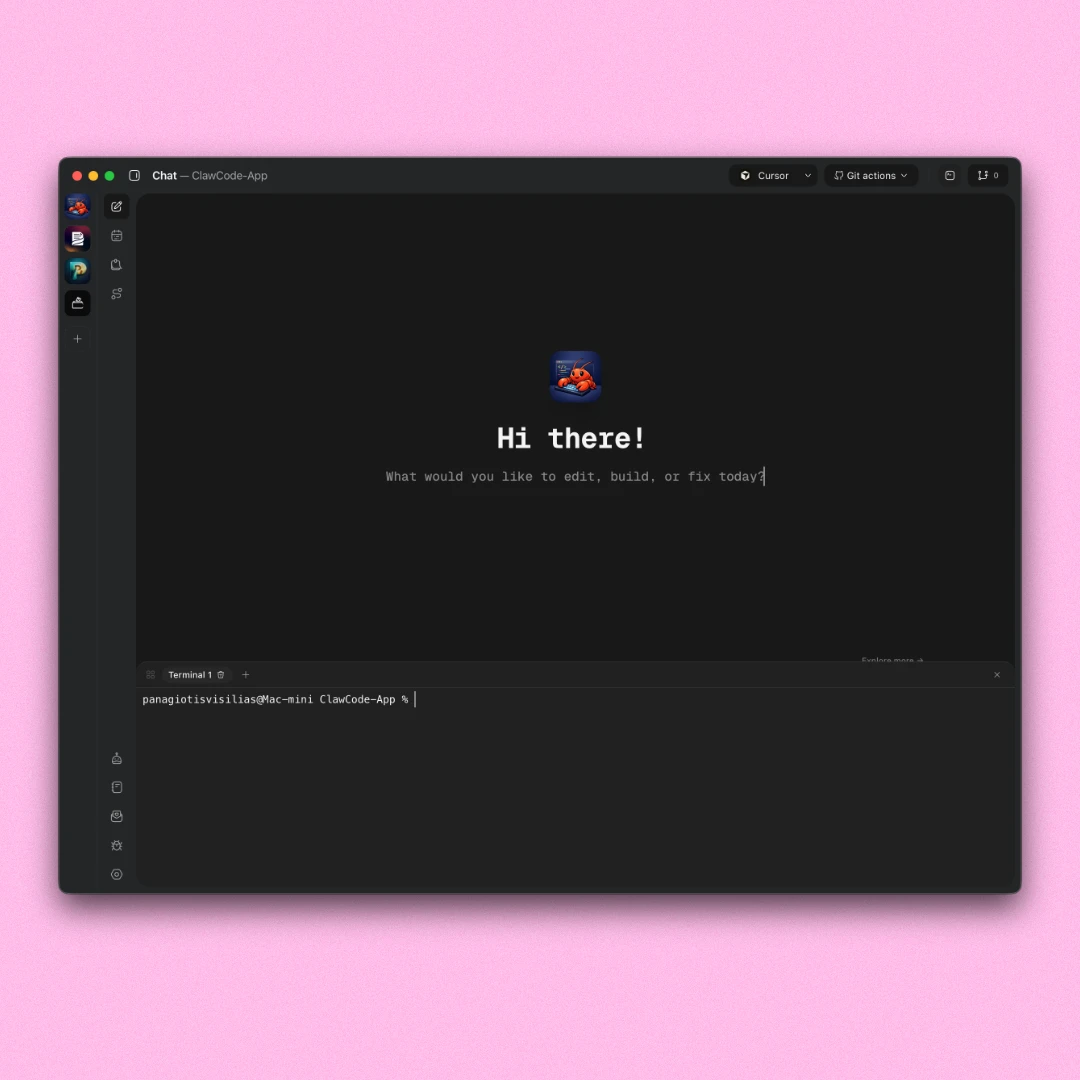
Terminal
Open a terminal from the dashboard and run commands yourself. Start your dev server, install packages, or run any script.
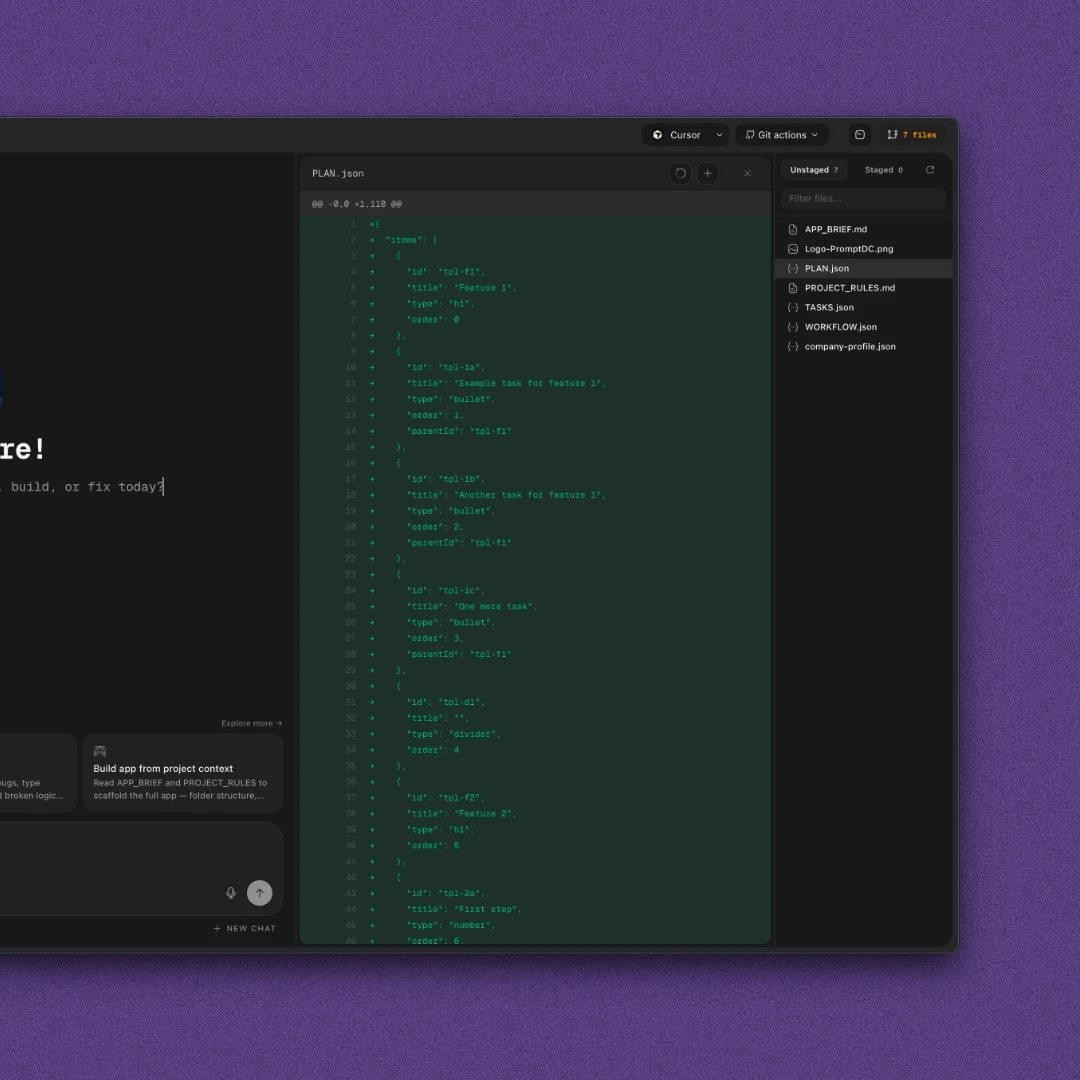
Diff viewer
See every file an agent touched, open it directly in your editor, undo changes, and review git diffs before committing.
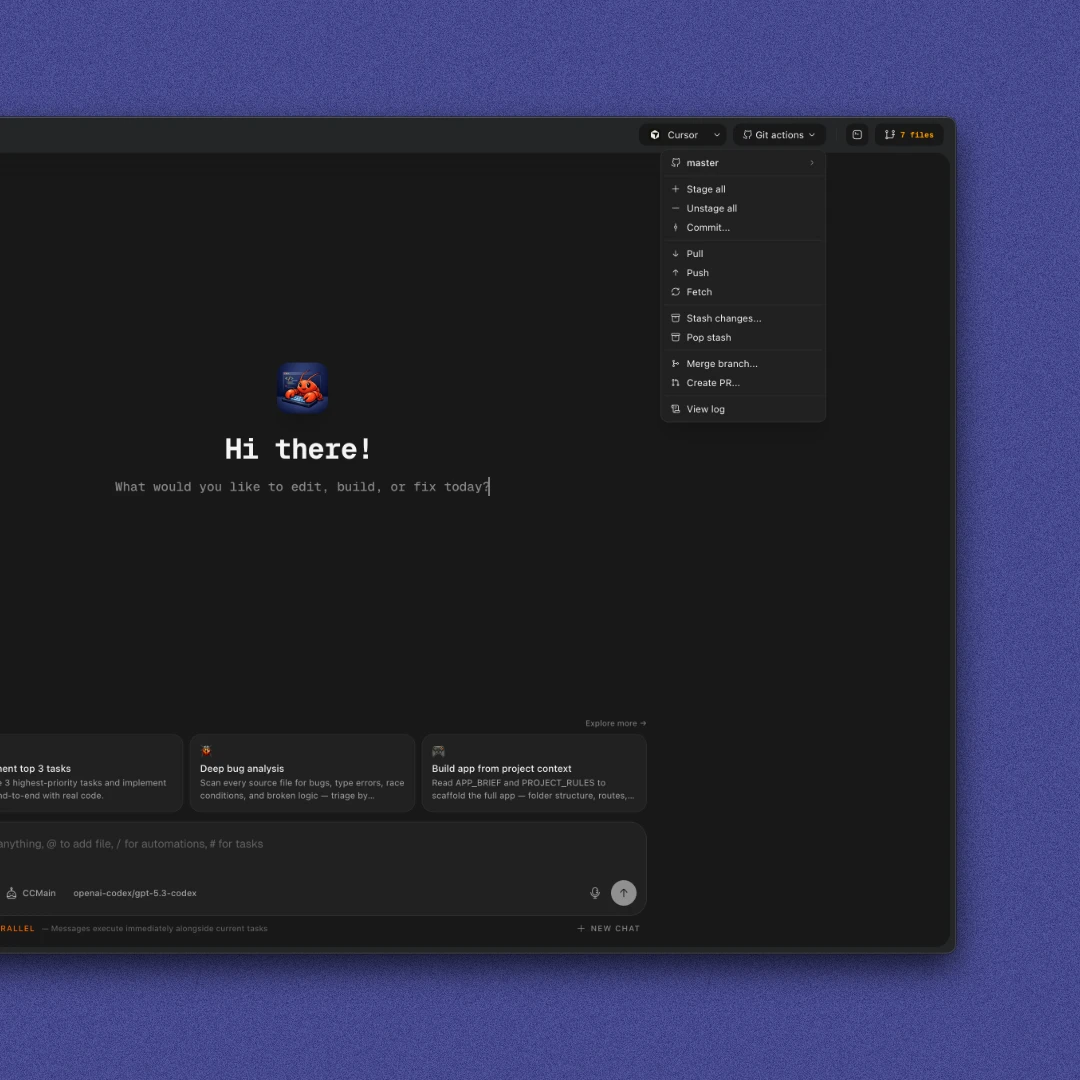
Git actions
Stage, unstage, commit, stash, pop changes, create PRs, view logs, merge branches, and switch branches from the dashboard.
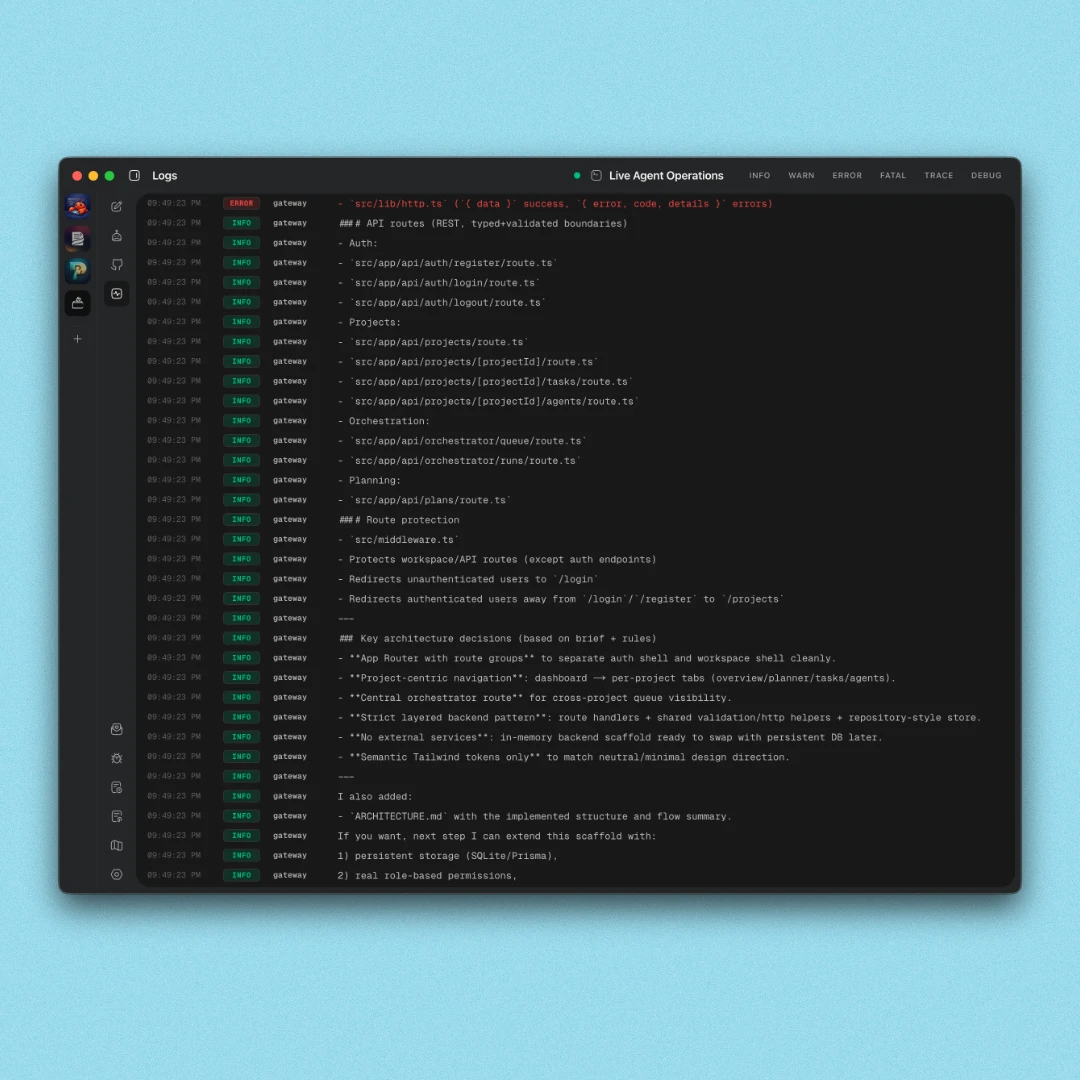
Agent logs
View OpenClaw logs per agent to see exactly what ran, what failed, and what your agent was doing at any point in time.
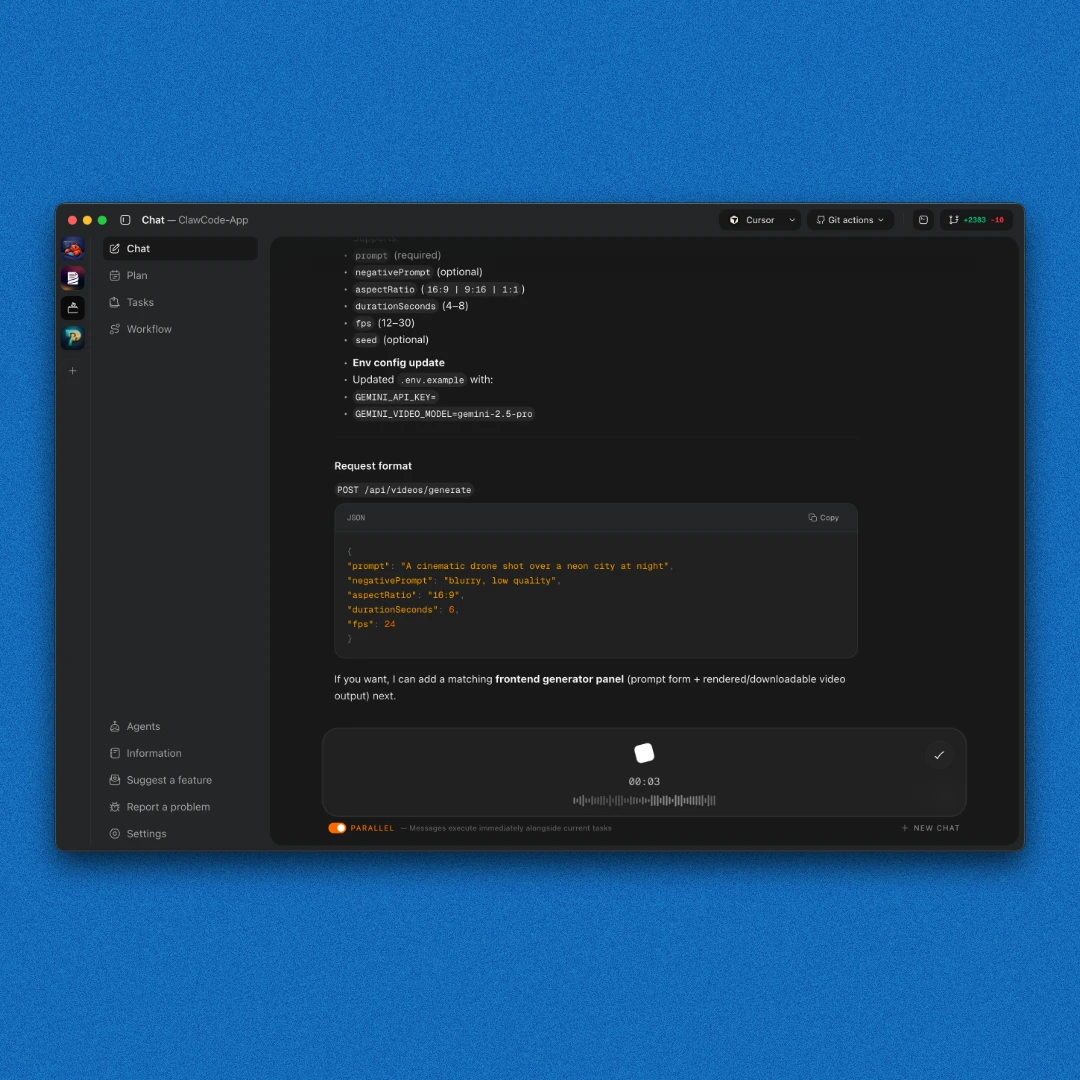
Voice messages
Speak naturally instead of typing. Your message gets transcribed and sent as is, with an option to translate it to English.